Climb and Steal an Egg Controls and Mobile Tips
Play the tower loop cleanly on every device the game supports.
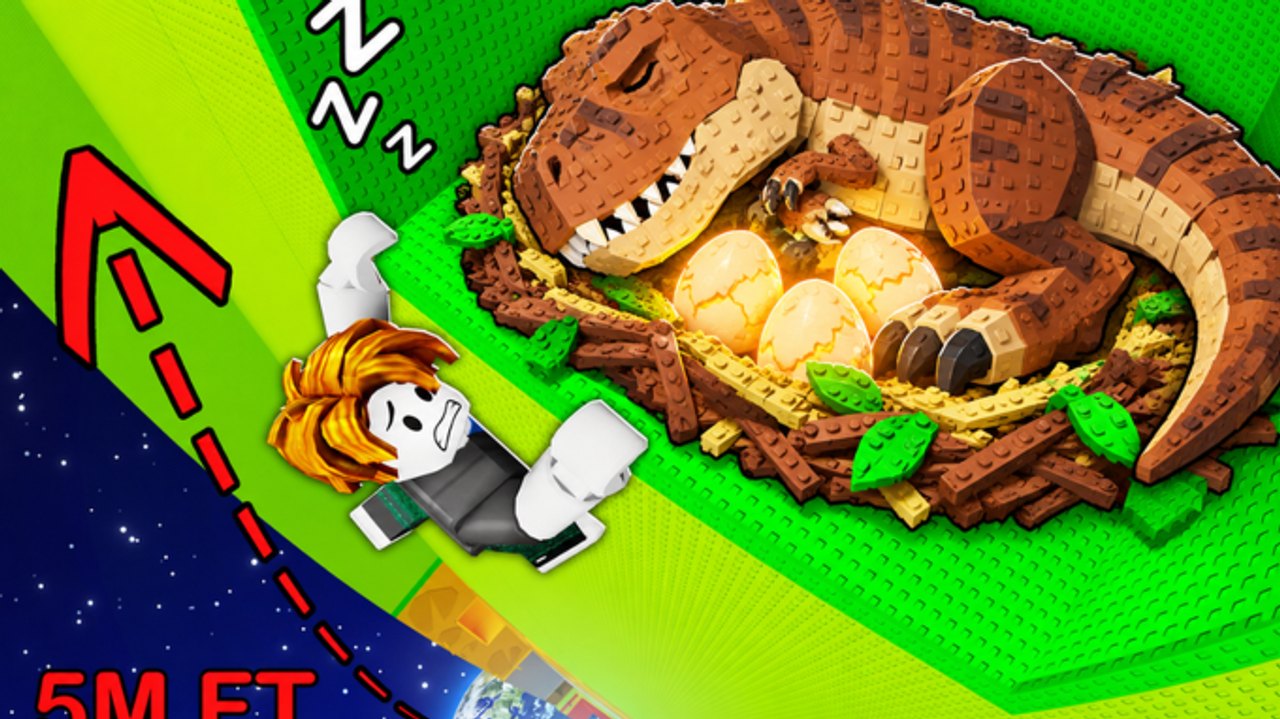
Every platform is supported
Climb and Steal an Egg officially supports Desktop, Console, Mobile, and Tablet. Server rooms hold up to six players, so input quality matters as much as climb stats: a mistimed jump or a clumsy camera pan can drop you before you reach the nest you trained for.
This page covers how to think about controls across devices, how to steal cleanly on touch screens, and which habits transfer from PC to phone. Pair it with Getting Started for the first-hour loop and How to Climb when height is the blocker.
Desktop defaults (Roblox standard)
On PC you use the familiar Roblox scheme:
- WASD — move along platforms and nest approaches.
- Space — jump gaps and recover from short falls.
- Left click / interact — steal from a nest when the prompt appears and interact with hatch / shop UI.
- Mouse look — keep the next ledge and other climbers in frame.
- On-screen menus — treadmill, upgrades, plot, and event panels.
Treat left click as a commitment. Line up the nest, confirm the camera, then interact. Clicking while still mid-jump wastes a steal window when six players share the same tower.
Console habits
Console players get the same loop with a controller stick for movement and camera, face buttons for jump / interact, and the HUD for shops. Two habits matter most:
- Slow the camera before a nest steal so the prompt stays readable.
- Avoid over-accelerating into blind vertical jumps—tower games punish stick drift more than corridor runners do.
If your pad has a sensitivity slider in Roblox settings, lower look speed slightly for mid and high zones where platforms are thinner.
Mobile and tablet touch mapping
Touch layouts mirror the desktop actions:
| Desktop action | Mobile / tablet equivalent | Habit |
|---|---|---|
| WASD move | Left virtual joystick | Keep the thumb loose; stiff steering overshoots ledges |
| Space jump | Right-side jump control | Learn the exact tap zone before a rare nest |
| Interact / steal | Tap the on-screen prompt | Plant your feet first, then tap |
| Mouse camera | Drag to pan | Quick drag-check below and above between jumps |
| Menus | HUD buttons | Close shops before a climb so thumbs stay free |
Mobile climbs fail most often from camera lag and thumb overlap. Pause on a safe ledge, reset the camera so the next platform fills the upper third of the screen, then continue. Do not steal while the joystick is still sliding—finish movement, then tap interact.
Tablets give more screen real estate. Use that width: keep the nest centered and leave space for other players entering from the side. Six-player rooms get crowded on popular ledges; a wider FOV helps you yield or wait instead of colliding forever.
Climb-specific control tips
Vertical games punish spam more than horizontal ones:
- Warm up on a low route before a push so jump timing feels natural on your current device.
- Climb empty-handed when scouting. Carry an egg only when you already know the nest location.
- After a fall, take a short treadmill block instead of rage-retrying the same gap. See How to Climb.
- During events such as Halloween Monsters vs Unicorn, re-check whether temporary geometry changed before blaming your thumbs.
Steal timing on touch vs mouse
Nest steals are the highest-stakes input. On mouse, you can hover and click the moment the prompt lights. On touch, the prompt can sit under a thumb or near the jump button.
Practical sequence for mobile steals:
- Approach the nest with the joystick only.
- Release the stick so your avatar settles.
- Pan the camera once so the egg and prompt are clear.
- Tap interact once—do not mash.
- Immediately plan the exit climb or drop path with free thumbs.
If you keep missing prompts, lower graphics slightly so UI lag drops. Performance stutters create false “dead” taps that feel like bad controls.
Hatch, plot, and shop UI
After a steal, hatch quickly so inventory pressure drops. Plot and shop screens are easier on desktop but still usable on phones if you:
- Rotate to landscape when placing animals or buying upgrades.
- Claim offline / index / group rewards before a long climb so menus do not interrupt mid-route.
- Spend animal income on climb power first—see Upgrades and Income—instead of browsing cosmetics while stuck under a ledge.
Accessibility and comfort
- Enable larger UI scale in Roblox settings if prompts are hard to hit on a small phone.
- Use headphones on mobile so you hear other climbers approaching contested nests.
- Take short breaks; tower climbs tax focus more than idle tycoons.
Related reading
Return to the Guides Hub for the full map. Practice steals with How to Steal Eggs, compare keepers on the Tier List, and watch six-player pressure notes on Players. Device support does not remove the need for climb stats—controls only express the power you already bought.
Frequently Asked Questions
Quick answers for Climb and Steal an Egg players.
Does Climb and Steal an Egg support mobile?
Yes. Official support covers Desktop, Console, Mobile, and Tablet. Touch controls map to move, jump, interact, and camera pan.
What are the PC controls?
WASD to move, Space to jump, left click to interact or steal, and mouse look for the camera—standard Roblox bindings.
Why do my mobile steals fail?
Usually camera or thumb overlap. Stop moving, center the nest prompt, tap once, then climb out. Avoid tapping while the joystick is still sliding.
Is console play viable?
Yes. Slow the look stick near nests and avoid over-accelerating into blind jumps on thin high platforms.
Do better controls replace upgrades?
No. Clean inputs help, but height still needs climb stats and treadmill training covered in the climb and upgrades guides.